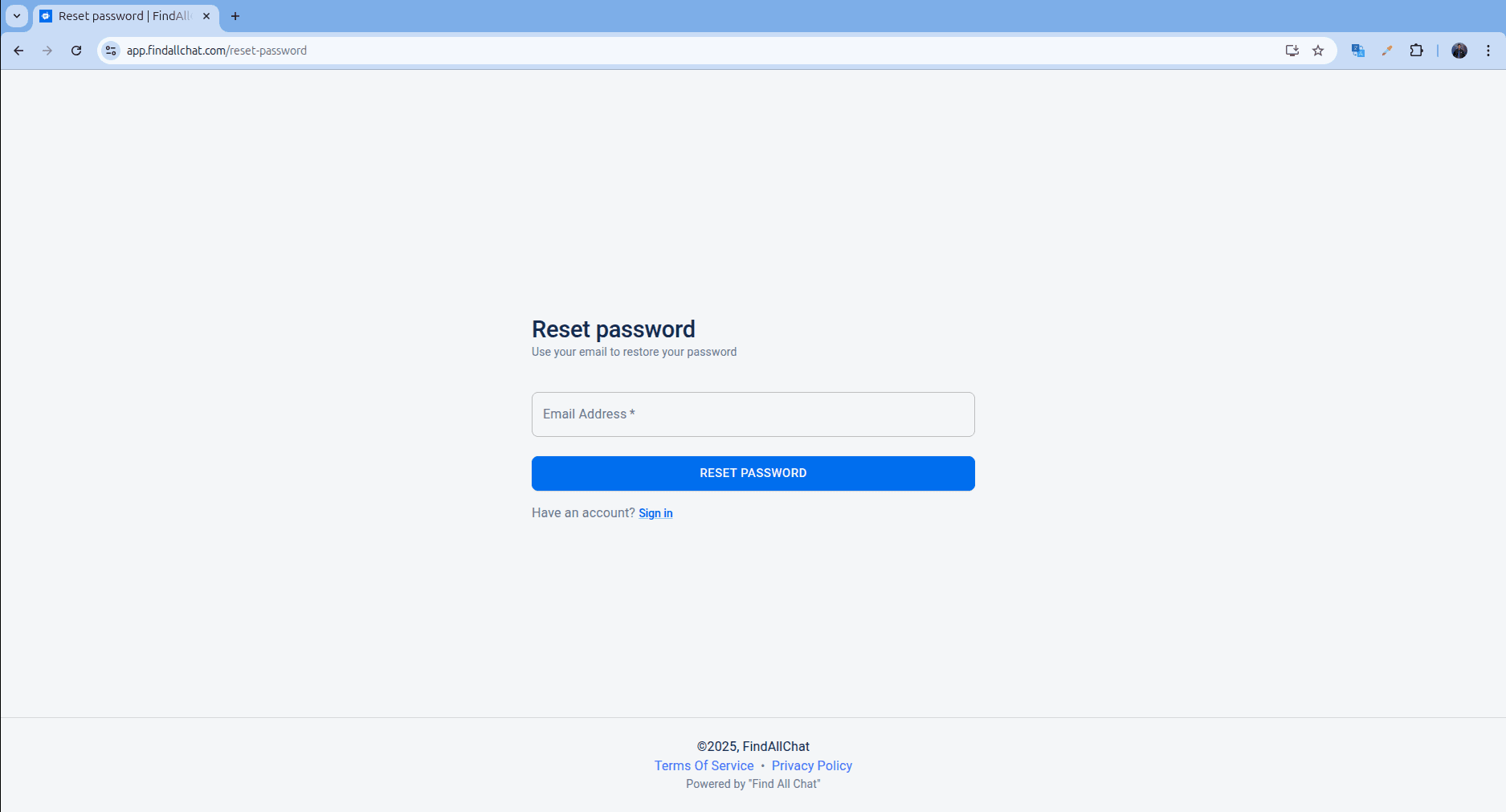
If you have forgotten your password, you can reset it by using the following link: https://app.findallchat.com/reset-password.
Simply navigate to the provided link, enter your account email address, and click on the Reset password button. You will then receive an email containing a link to set a new password. Click on the link in the email to be redirected to the password reset page. Enter your new password twice and submit the changes. Once completed, you can proceed to the login page, enter your email address, and the new password to successfully log in.